300+ votes later, Kill Switch is finally here.
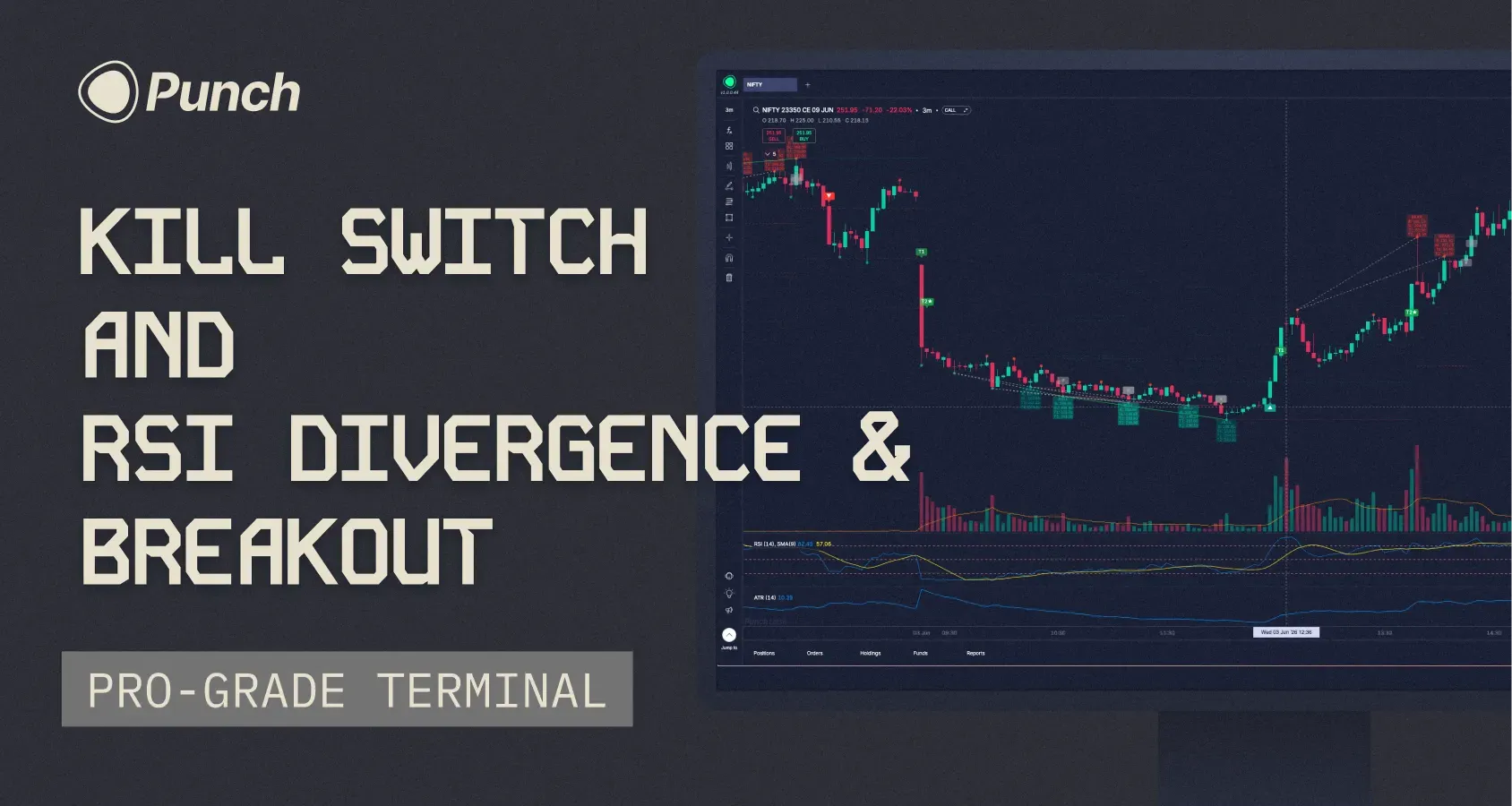
With more than 300 votes on Builder's Lab, Kill Switch has been one of the most requested features on Punch.
Today, we're excited to launch Kill Switch, along with two other major additions. This is one of our biggest release weeks yet.
Let's get to it.
Introducing Kill Switch
There are days when the best thing you can do is stop trading. Kill Switch is built for those moments.
You can now temporarily lock yourself out of trading directly from the Jump-To menu. Choose whether to disable Equity, F&O, or both, and select a duration of 1, 2, 4, 6, or 8 hours.
Once activated:
All pending orders are cancelled.
Open positions are squared off.
New orders in the selected segments are blocked until the timer expires.
A few things worth knowing:
Kill Switch is irrevocable once activated. There is no early exit.
It automatically resets when the selected duration ends.
It syncs across devices in real time.
It can only be activated during market hours.
You can continue to access charts, watchlists, portfolios, and option chains. Only order placement is restricted.
We hope Kill Switch helps traders avoid the costly mistakes that often come from emotional decision-making.
Next up is one of the most requested indicators on Builder's Lab—and a Punch exclusive built entirely in-house.
RSI Divergence & Breakout
This indicator combines two ideas.
First, it detects bullish and bearish RSI divergences. Second, it waits for price to confirm the setup with a breakout before generating a signal.
A lot of divergences look great on a chart but never play out. The breakout filter helps separate genuine opportunities from noise.
Once a signal triggers, the indicator automatically plots:
Entry
Stop Loss
Target 1
Target 2
It then tracks the setup through its lifecycle and marks the final outcome directly on the chart.
You can customize RSI parameters, pivot detection, breakout confirmation windows, stop-loss and target behaviour, and signal management settings.
How to access: Indicators (Fx) → Search "RSI Divergence & Breakout"
Trade Directly From The Chart
This one is a small feature, but it can make a meaningful difference to your workflow.
Imagine you're looking at a chart and decide you want to buy NIFTY 23950 CE at ₹154.25.
Previously, you'd open the order form, change the order type, enter the price, and then place the trade.
Now, simply right-click on the chart at your desired price.
You'll see options to:
Buy at this price as a limit order
Sell at this price as a trigger order
The price you clicked is automatically populated. Review the order, adjust quantity if needed, and place it.
Fewer clicks. Faster execution.
And that's it—three new features designed to give traders more control, better signals, and a faster workflow.
One more thing.
We're rolling out Trailing SL this week.
This feature has taken longer to build than we expected, but it's finally ready.
Keep an eye on next week's changelog
Trailing SL is coming. And so is another surprise.
See you next week.
— Archit